I recently purchased a reMarkable e-ink tablet and it’s done wonders for me and my little “friend” (frenemy?) ADHD. Let me explain.
I generally intend to use two workflows in my daily life
- Paper based bullet journal (the simple original type)
- iPad for general notes
What actually happened, is that I used random sheets of paper / notes app / stickies / google tasks / iPhone Siri reminders… to “keep track” of what I needed to be doing. As you can see, fragmenting the system isn’t really helpful in completing tasks. Same with note taking, I noticed I was either using a (separate) paper notebook, an iPad (which is often out of battery or too bright, or beeping at me too many notifications) and even 3×5 cards. Unsurprisingly I was losing track of my life because in general, if it’s out of sight of the ADHD brain, it’s out of mind. As I travel I might not have the right notebook to take notes with, anyway I think you get the point.
I discovered Bullet Journals in 2014 while working at ORNL. Working at a national lab can mean that you’re involved in many separate activities at different levels with different entities. There are internal activities, inter-DOE activities, broader Federal activities, vendor related activities, community activities, conference activities… and most of these tracks had very little overlap. On the other hand, for note taking, I was using Evernote back then, and well, that’s sort of died. The bullet journal method saved me and I was a loyal practitioner of it, until covid hit. I don’t know what happened, but ever since covid all of my systems to keep track of my life broke down and what replaced them wasn’t good enough to handle times when things got a lot busier.
I was skeptical the that reMarkable tablet would help, but the person I started dating uses one and well, we tend to see things from new rose-colored-heart glasses whenever we fall in love 😍. My argument against yet-another-new-gadget is that I already have a note taking app on my iPad. But iPads are connected to the internet and well, “I could research <topic>” (opens new tab, and then another ten tabs) and now I’m off track again. “But look! I can do a webclip right onto my notes! your expensive e-ink thing isn’t event connected to the interwebz” I’d say.
The boyfriend also has ADHD and calmly nodded while responding “that’s the point.”
In the before times, before wifi littered the friendly skies, I could only achieve intense hyperfocus inside a long airplane flight. Something about the confined space + very loud engine noise + what-else-is-there-to-do-ness of a flight was great for catching up on deep thinking. One time, on a flight to Europe, I managed to read two whole audiobooks (at 2x speed) on software development. That one flight led to creating the structure of the ORNL hackathons, IMO the best thing I think I’ve accomplished in my career thus far.
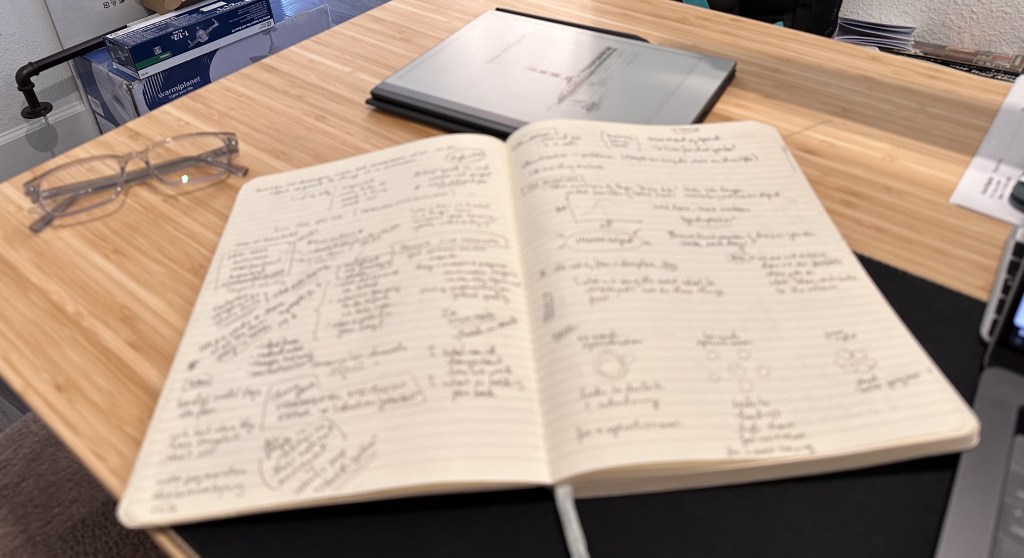
I resisted changing the system that had worked so well for me in the past. But it wasn’t working for me now. I figured I would just get the reMarkable and if I didn’t like it I would return it. What happened is that this one device united bullet journaling and note taking into one and brought me back.
For example, you can create notebooks, so I created one just for my bullet journal, another for research notes, another for book notes, another for home projects. The beauty is you can insert pages / move pages / move text etc just like an iPad, so it’s great for organizing notes especially if you want to go back to something and keep writing. In a paper notebook the pages would disconnect if I jumped into something else, like say conference talks. Now to go back to the notes I can insert pages and continue my learning. There are folders for organization and quick notes (kind of like a random sheet of paper)… but then… that’s really all it can do. It’s not a super complicated device. You can import a PDF, read it, highlight it with your stylus pen, write on top of the PDF pages, switch to another notebook, write some more, and then, that’s it.
You read, you write. That’s it.
And the battery lasts forever so the whole “I have a great idea but iPad battery is dead, where’s the charger, no the long charger so I can write while it recharges, where’s the outlet?” For the ADHD brain, it’s all about momentum and if the momentum is disrupted, the moment(um) is gone.
With this new role I’ve taken up as Director of HPC, I’m having to do some research in preparation for 2024 and I’ve easily spent 2-4 hours a night in very deep focus. Even though I have access to the internet on the laptop, I’m able to stay on task because the act of taking notes is in itself taking my eyes off the browser screen to write. With this thing, the momentum is sustained and I find myself having to consciously step away from the task or else it’ll be 2am and I’ll mess up my very carefully nurtured sleep schedule. This hyperfocused”flow state” is something I actually love about my ADHD brain. And if something about my todo list pops up I can flip to another notebook add it and return to my task. Again, something about the confined space and features of the device helps me focus.

I do wish it had some features like copy/pasting images into notebooks using the desktop app, it would make it easier to annotate PDFs or graphs etc. But I have the iPad for that if need be. And I really wish that it had handwriting-recognition based search. My favorite app on the iPad, Notability, has this and it’s awesome. I can also import my notebooks into Notability if I really feel I need this; and I might as I’m considering have started writing a book (over the holidays thanks to reMarkable!).
Anyway I hope this helps someone out there. Boyfriend was right and gets all the credit, so if it works for you too, you can thank him for this post.
 Fernanda Foertter
Leave a comment